Skip to content
Minerva

The Saturday line, and the cake ordered ahead

Your regulars are known at the counter, and your cakes are ordered with a name and the time wanted. The day's products and seasonal items stay up to date in your online menu.

No credit card. Free access to start.

Or start with a free tool, no account needed: the menu price calculator

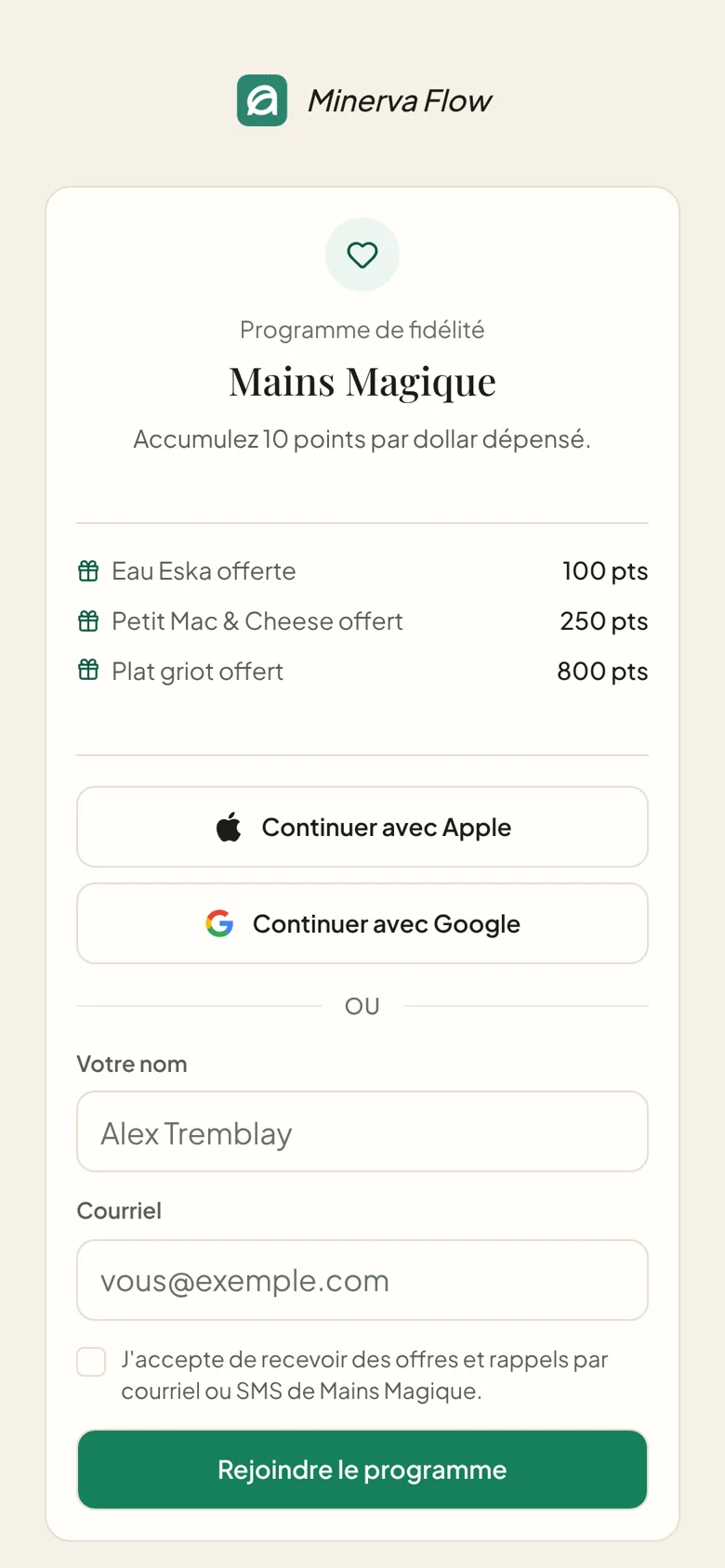
The loyalty card of Mains Magique, in French: 10 points per dollar and rewards at 100, 250 and 800 points, then continue with Apple or Google.
The customer opens the menu of daily breads and cakes by a link or a QR code; their order, with their name and the time wanted, arrives in writing in Flow.

Our partners

Connects to what you already use

Without a connected register, you enter the day's closing. If you have Clover or Square, we check with you during setup whether your account can be connected, with your permission. The Lightspeed Retail (X-Series) connection awaits Lightspeed's validation. Online payment with Stripe is coming soon.

See the register connections
  • No register
  • Google reviews

From the counter to the cake

From Saturday bread to the cake order

The Saturday morning line on one side, the orders placed ahead on the other, in the same tool.

  • The Saturday line

    Your Saturday regulars, recognized

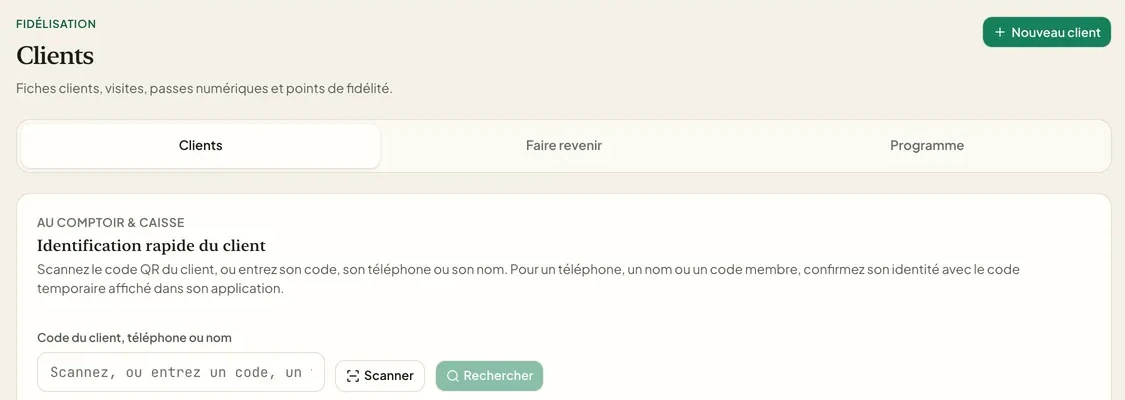
    In the line, the customer scans the QR code or gives their phone number. The visit is added, and you see who comes back every week, and who no longer comes.

    • Find a customer by phone number
    • The visit added in a few seconds
    • Visits per customer
    Explore loyalty
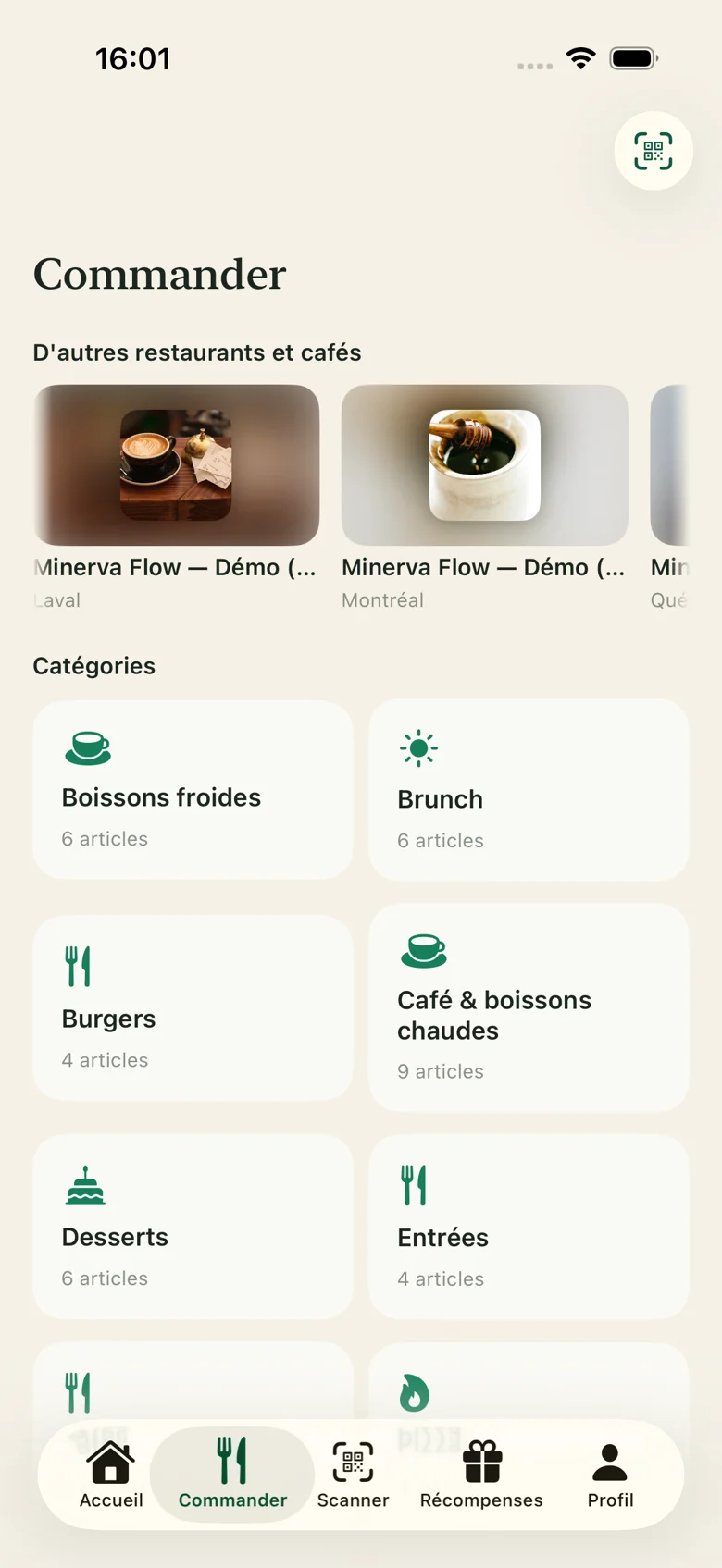
  • Ordering in the Minerva Flow customer app, in French: the dishes by category.

    Cakes and orders placed ahead

    The cake ordered, written down with the time wanted

    The cake appears in your online menu with its price, next to the daily breads and the seasonal items you add or change. The customer gives their name and the time they want, and the order arrives in Flow, in the modes you choose. Payment is made when the order is received.

    • The name and the time wanted
    • The order arrives in writing in Flow
    • Seasonal items added to the menu
    Explore the menu and orders
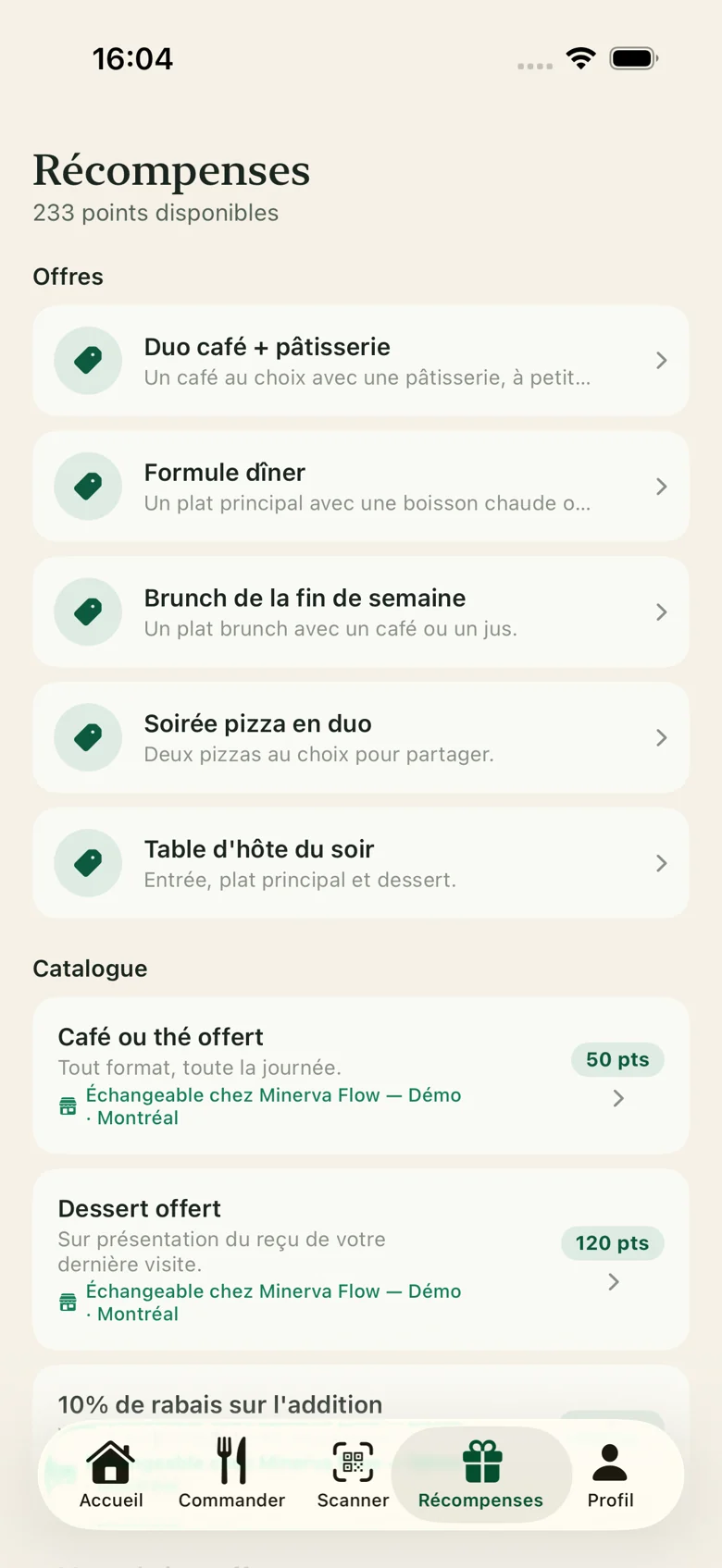
  • The Rewards screen of the customer app, in French: the offers and the rewards catalogue.

    A reward from the counter

    A free pastry, whose cost you know

    A free baguette or pastry, taken from what you bake. You set the threshold and the reward, and the customer sees what they can get.

    • The threshold you choose
    • A reward whose cost you know
    • A reward taken from your products
    Read the food cost guide

From the stamp card to the Carte Flow

On Saturday the line is long and time is short. A stamp and a note on paper are not a way to follow your regulars.

Before

The stamp and the scrap of paper

  • A stamp given in a rush, or forgotten
  • The cake order jotted on paper
  • You don't know who stopped coming
With Minerva Flow

The points in the phone

  • The points in Apple Wallet or Google Wallet
  • The order written in Flow, with the name and the time
  • You see who comes back every week
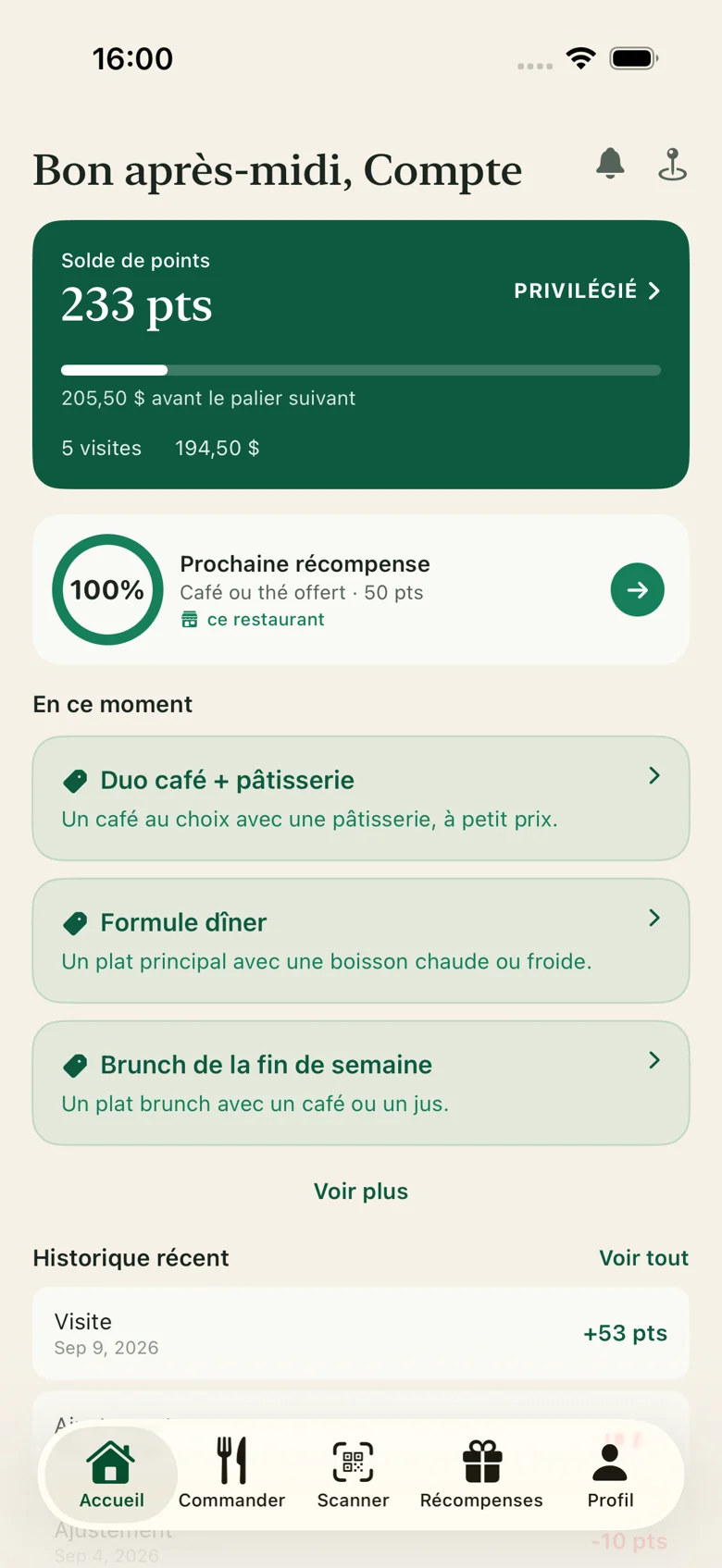
The home of the customer app, in French: the points balance, the next reward and the current offers.

What is true today

How it works and our terms, with no invented figure.

app for your customers to download
0
ways to sign up: by QR code or at the counter
2
loyalty tiers: Regular, Preferred and Ambassador
3
steps to get started, from the account to following your regulars
4

Terms

  • The Free plan has no time limit. Advanced features need a paid plan, with no setup fee: try it for 14 days, without a credit card.
  • Paid plans: $150 or $290 a month, plus taxes, with 25% off yearly. The whole app, with your own mobile app, from $590 a month, by agreement. A partnership with marketing coaching is also offered: its price is set by written agreement, depending on the restaurant.

In practice

Your bakery on Flow in four steps

  1. Step 1: Add your products

    Daily breads, pastries, cakes, seasonal items and prices.

  2. Step 2: Choose the reward

    For example, a free pastry.

  3. Step 3: Display the QR code

    At the counter, where the Saturday line waits, and in the window.

  4. Step 4: Receive the orders placed ahead

    Cakes arrive in Flow with the name and the time, in your modes.

Frequently asked questions

Answers to the questions people ask us before they start.

Another question? Contact us

Know your Saturday customers

  • A QR code for the Saturday line
  • Your cakes ordered in writing
  • Their points on their phone
  • No credit card
  • Free access to start
  • A reply from a person to every request